 threadform3d
3D garment customizer
Your garment. Your artwork. Your 3D studio.
Threadform3D is a browser-based 3D garment customizer for clothing brands and designers. Work with ready-made garment templates, add your own visual identity, and control how the finished design is presented.
Open the garment customizer →Start free with the Classic T-shirt. Compare plans and export options.
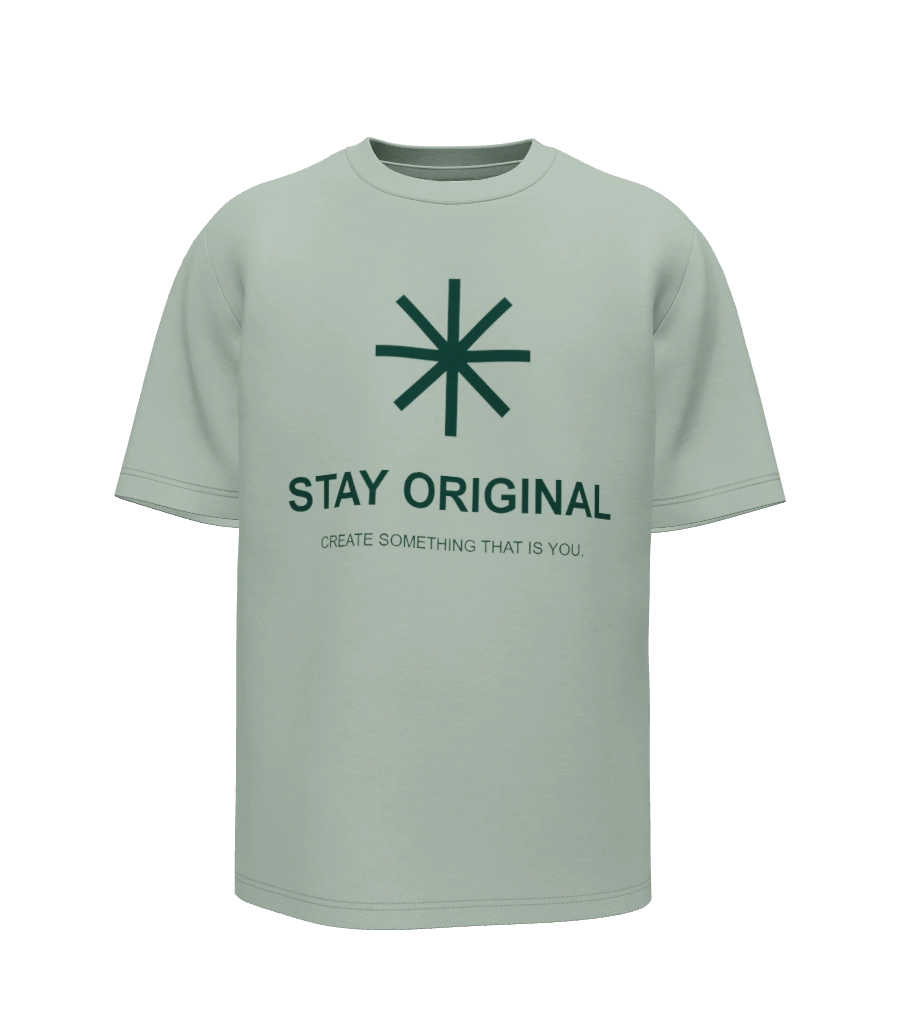
Control the design and its presentation
Fabric and color
Choose the garment color and use available panel controls to explore combinations. Save colorways when you want to compare variations of the same design.
Artwork and text
Upload graphics, add text and manage layers. Adjust placement, visibility and effects while checking the result on the garment.
Surface and scene
Explore editable wash effects and available fabric treatments. Adjust the background, lighting and camera to make the design easier to see.
Images and motion
Choose an angle for a still image or preview a camera animation. Use the existing image and video export tools; available resolutions and formats depend on your plan and browser.
Designed for visual development
Use the customizer to explore a logo placement, compare fabric colors or prepare a reveal for your audience. You work with the supplied garment shapes rather than drafting sewing patterns or simulating a custom fit. Start with a clear front view, refine the artwork, and move on to lighting and camera angles once the design is working. The studio runs in your browser, while exports download to your device.
Watch the getting-started video tutorial, or visit support if you need help.
Before you start
Do I need 3D modeling experience?
No. The garment templates are ready to customize. You control colors, artwork, text, lighting and camera views through the studio.
Does it make sewing patterns or manufacture clothing?
No. Threadform3D creates visual garment mockups and presentations. Manufacturing, sizing and physical samples are separate steps.
Can I use my own brand graphics?
Yes. Upload artwork you own or have permission to use. PNG, JPG and WebP images are supported, and you can add text in the studio.