 threadform3d
3D T-shirt mockups
Make a 3D T-shirt mockup in your browser.
See how your artwork sits on a garment before you share your next idea. Start with a Classic T-shirt, upload a design, and turn the model to inspect its placement from different angles.
Create a T-shirt mockup →Start free with the Classic T-shirt. Compare plans and export options.
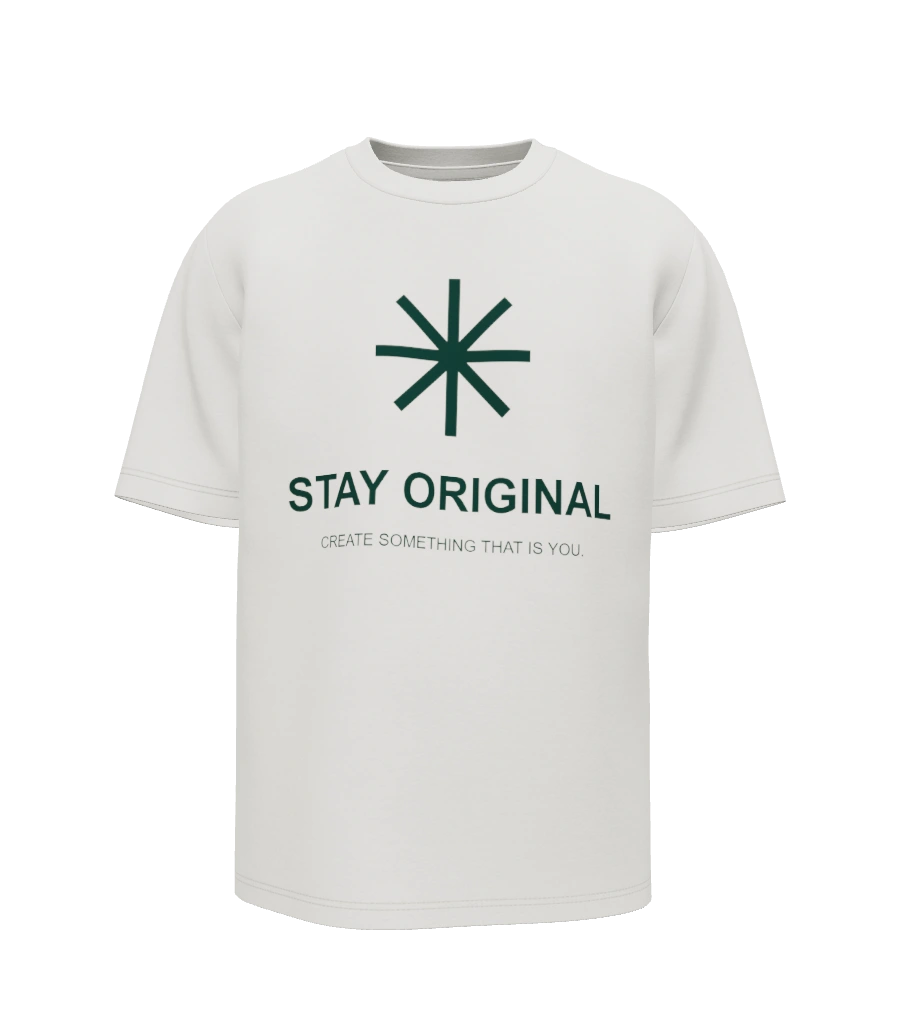
How to make your T-shirt mockup
Choose your T-shirt
Open the Classic T-shirt in the studio. You can start customizing it for free without installing a 3D application.
Add your artwork
Upload a PNG, JPG or WebP graphic, or use the text tools. Adjust its scale, position and rotation on the available print areas. Transparent PNG files work well for isolated logos.
Check the fabric and both sides
Choose a fabric color that works with your design. Rotate to the back and inspect the artwork from close and wide views before choosing your final angle.
Export your presentation
Set the background and lighting, then export a PNG. Standard watermarked image exports are available on Free; paid plans add clean exports and video options.
Build the mockup around the artwork
A large front graphic and a small chest logo need different framing. Start with a straight-on view to check placement, then use a slight angle to show the sleeves and garment shape. Keep enough contrast between the fabric and your artwork, and inspect the back before exporting. Your mockup is a visual presentation; check production dimensions and print requirements separately with your manufacturer.
Watch the getting-started video tutorial, or visit support if you need help.
Before you start
Is the T-shirt mockup tool free?
Classic T-shirt customization and standard watermarked image exports are free. Other garments, clean exports and video features depend on your plan.
Do I need Photoshop or a PSD template?
No. You edit the garment directly in the browser. Upload your artwork and position it on the 3D model.
Can I make a rotating T-shirt video?
Yes. The existing video export tools include camera animations such as a 360° rotation. Video export requires Pro or Ultimate.